Why Windows Event Forwarding matters for Windows environments
Windows Event Forwarding provides a native, low overhead method to collect Windows event logs from endpoints and forward them to a central collector before sending to a SIEM. For Windows system administrators and security teams, it reduces the need for third party agents, centralizes auditing, and helps meet compliance and incident response requirements.
This guide focuses on real world deployment at scale: configuring the collector, using Group Policy to create subscriptions, securing transport with certificates and HTTPS, optimizing which channels to forward, and exporting events to a SIEM with reliable parsing.
Architecture and core components
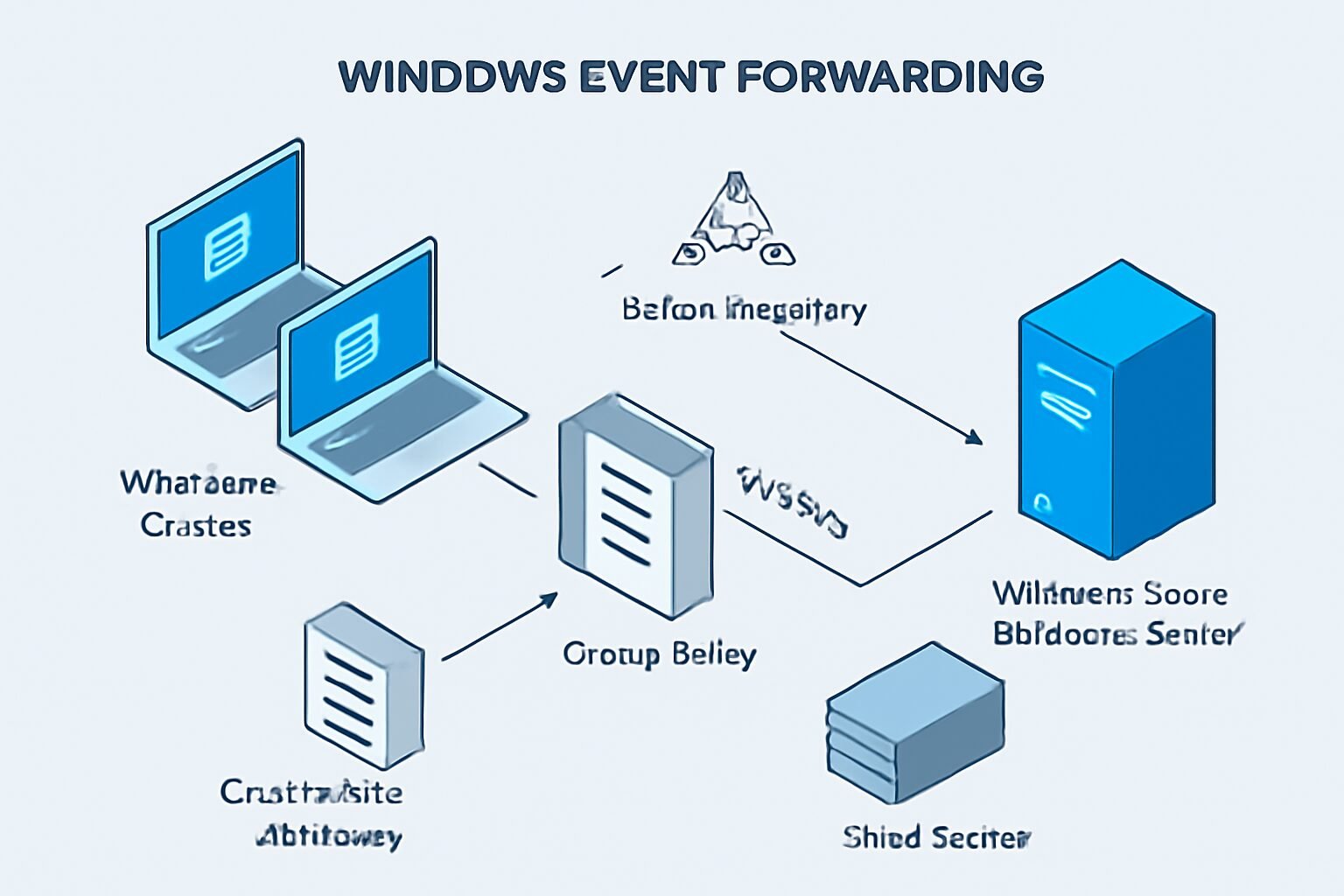
A typical deployment includes three components: event sources (Windows clients and servers), one or more Windows Event Collector servers running the Windows Event Collector service, and a SIEM or log storage backend. Active Directory and Group Policy provide the easiest mechanism to register sources and apply WinRM settings at scale.

Design decisions should cover availability, retention, and bandwidth: use multiple collectors for load distribution, place collectors close to sources for low latency, and ensure network rules allow WinRM over HTTPS from sources to collectors and collector to SIEM if required.
Prerequisites and planning checklist
Before you begin, confirm the environment matches these requirements: domain joined machines, a certificate authority for HTTPS certificates, and a Windows Server to host the collector with adequate CPU, memory, and disk. WinRM must be configured on sources and the collector.
Checklist items include:
- Create service accounts with least privilege for the collector and SIEM ingestion.
- Plan subscription types: source initiated or collector initiated, considering scale and firewall topology.
- Define which event channels and event levels will be forwarded to control volume.
Deploy and configure the Event Collector server
Install the Windows Event Collector role and configure the service to start automatically. On the collector, run subscription manager configuration and create a dedicated registry location for forwarded events to avoid mixing with local events.
Configure storage and retention: set circular logging limits or forward older events to the SIEM. Monitor disk I O and CPU to ensure the collector can process inbound batches without delay.
Create subscriptions with Group Policy
Use Group Policy to apply WinRM client settings and to register sources for source initiated subscriptions. A source initiated model scales better through firewalls since clients push to the collector, but requires a subscription manifest deployed to the collector first.
Best practice steps include creating an XML subscription manifest, placing it on the collector, then using a GPO to configure the Windows Remote Management service and the Event Forwarding config on clients. Test with a small OU before wide rollout.
Certificates, HTTPS, and secure transport
Use certificate based authentication and HTTPS for WinRM to protect events in transit, and to avoid sending sensitive logs over unencrypted channels. Acquire a certificate for each collector from your internal CA, including the correct subject name that clients will use to connect.
Configure WinRM listeners to use the certificate and enforce mutual authentication if supported. Update Group Policy to point clients to the HTTPS endpoint, and validate chain of trust from endpoints to the issuing CA.
Event filtering and channel optimization
Forwarding every event creates noise and cost. Implement channel selection and XPath filters on subscriptions to capture only necessary events, for example, security audits, application failures, and critical system errors. Use event ID whitelists or blacklists where appropriate.
Practical tuning tips include grouping related event IDs, excluding verbose application traces, and sampling noncritical telemetry. Keep a list of forwarded channels and review monthly to adjust for new software and changing needs.
Forwarding to a SIEM and parsing best practices
Once events arrive at the collector, use a reliable transport to the SIEM, such as syslog over TLS, a native SIEM connector, or a secure file drop. Maintain consistent timestamp handling and preserve original Windows event fields so the SIEM can parse user, process, and correlation IDs.
Configure the SIEM with Windows-specific parsers, map EventData and System fields, and for alerting. Test parsing with representative samples from production to ensure alerts and dashboards use accurate fields.
Troubleshooting common issues and operational hardening
When forwarding fails, check WinRM connectivity first: use winrm quickconfig and Test-WsMan from clients to collectors. On the collector, inspect the ForwardedEvents channel and the Windows Event Collector operational log for subscription errors and authentication failures.
Hardening steps include running the collector as a low privilege service account, enabling auditing for subscription changes, limiting which admins can edit subscriptions, and applying host based firewall rules. Implement monitoring for collector health, queue depth, and failed events.
FAQs and quick answers
Below are common questions administrators ask when deploying Windows Event Forwarding at scale. These answers focus on practical fixes, not conceptual overviews.
Refer to vendor documentation for deep integration details with your SIEM.
- Q: Should I use source initiated or collector initiated subscriptions?
- A: Use source initiated for large, distributed environments or when clients are behind firewalls, and collector initiated for small, controlled networks where the collector can reach sources directly.
- Q: How do I reduce forwarded event volume?
- A: Apply XPath filters, whitelist critical event IDs, exclude verbose channels, and consolidate related events. Also evaluate the retention and sampling policies on endpoints.
- Q: What causes certificate errors during WinRM setup?
- A: Common causes are wrong subject name, missing intermediary CA, clock skew, or the certificate not having Client Authentication usage. Validate the certificate chain and template settings on the CA.
- Q: How do I ensure events are not lost during high load?
- A: Deploy multiple collectors with load distribution, increase temporary queue sizes, monitor queue depth, and configure backpressure handling between collector and SIEM to avoid drops.
Conclusion
Windows Event Forwarding offers a scalable, native way to centralize Windows event logs and feed them into a SIEM for detection and compliance. A successful deployment requires careful planning: select the right subscription model for your network, secure transport with certificates and HTTPS, and tune event filters to control volume and relevance. Operational tasks include monitoring collector health, auditing subscription changes, and ensuring parsing consistency in the SIEM so alerts are reliable.
Start small, validate subscription manifests, and use Group Policy for repeatable configuration. Maintain an operational runbook for common failures and periodic reviews of forwarded channels. With proper planning, WEF reduces agent sprawl, lowers network overhead, and improves visibility for security and operations teams, making it an effective component of enterprise logging strategy.