Why automate DKMS kernel module deployment on Linux
Managing out of tree kernel modules across frequent kernel upgrades is a recurring operational burden for Linux system administrators. DKMS kernel module deployment removes manual rebuilds, it ensures modules are rebuilt automatically when kernels change, and it integrates with package workflows you already use.
Automation reduces boot-time failures and service interruptions, it standardizes builds across distributions, and it makes Secure Boot signing and CI packaging repeatable. This guide is focused on practical steps you can implement in production environments.
Prepare module source and DKMS configuration
Start with a clean source tree for your module in a directory structure that DKMS expects, for example under /usr/src/mymodule-1.0. Include a simple dkms.conf so DKMS knows how to build, install, and remove the module. Keep compiler flags and object names explicit to avoid surprises across kernel versions.
Example dkms.conf snippet, place this file at /usr/src/mymodule-1.0/dkms.conf:
PACKAGE_NAME="mymodule"
PACKAGE_VERSION="1.0"
CLEAN="make clean"
MAKE="make KERNELRELEASE=$kernelver"
BUILT_MODULE_NAME[0]="mymodule"
DEST_MODULE_LOCATION[0]="/extra"
AUTOINSTALL="yes"
Build and deploy with DKMS
Register the module with DKMS, then build and add it to the running system. Typical commands for a Debian or RHEL system are similar.
Common command sequence:
- sudo dkms add -m mymodule -v 1.0
- sudo dkms build -m mymodule -v 1.0
- sudo dkms install -m mymodule -v 1.0
When kernels are upgraded, DKMS hooks into package scripts to rebuild automatically. Verify with dkms status and check that the built module is installed under /lib/modules/$(uname -r)/extra or the DEST_MODULE_LOCATION you provided.
Integrate systemd for load ordering
DKMS handles building and installation, but controlling when modules load at boot is a systemd concern. Use systemd-modules-load.d drop in files for simple ordering, or create a small oneshot service for dependent loads that require ordering against network or storage targets.
Example systemd unit to load mymodule after network target, create /etc/systemd/system/mymodule-load.service:
[Unit]
Description=Load mymodule after network
After=network-online.target
Wants=network-online.target

[Service]
Type=oneshot
ExecStart=/sbin/modprobe mymodule
RemainAfterExit=yes

[Install]
WantedBy=multi-user.target
Enable the unit with sudo systemctl enable –now mymodule-load.service. This approach avoids race conditions where modules must be present before a service starts.
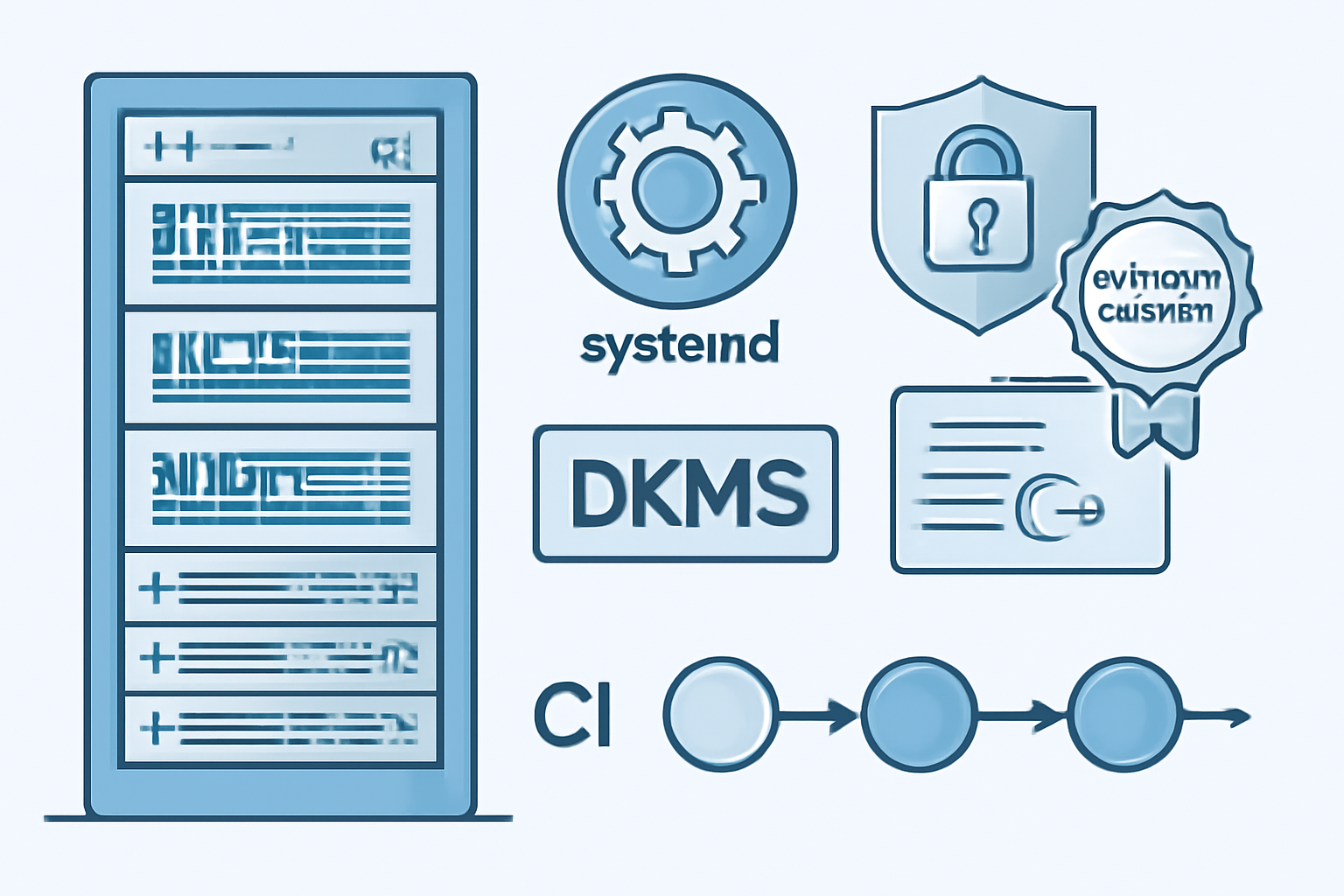
Automate module signing for Secure Boot
Secure Boot requires kernel modules to be signed with a key enrolled in UEFI or the machine owner key database. Automate key generation, enrollment, and signing so module deployments remain seamless across kernels and hosts.
Typical steps to automate signing:
- Generate a signing key pair with openssl.
- Enroll the public key using mokutil or vendor tooling.
- Sign the module during DKMS install using scripts that call /usr/src/kernels/…/scripts/sign-file.
Sample commands:
openssl req -new -x509 -newkey rsa:4096 -keyout MOK.priv -out MOK.pem -nodes -days 3650 -subj "/CN=My Kernel Module Signing/"
mokutil --import MOK.pem
# Complete enrollment on next boot via mokmgr
sudo /usr/src/kernels/$(uname -r)/scripts/sign-file sha256 MOK.priv MOK.pem \
  /lib/modules/$(uname -r)/extra/mymodule.ko
Add CI packaging for deb and rpm
Integrate DKMS builds into CI so packages are produced automatically for distribution. Build artifacts should include both the DKMS source layout and distribution packages that install DKMS configuration along with the module source.
CI pipeline checklist:
- Run unit and compile tests against multiple kernel headers in matrix builds.
- Produce .deb with debhelper packaging that installs to /usr/src and registers with dkms postinst scripts.
- Produce .rpm with rpmbuild macros that call dkms add, build, install during %post.
Automating packaging ensures servers receive a standard upgrade path, and DKMS guarantees rebuilds on the target hosts when kernels change.
Troubleshoot common build failures
DKMS build failures usually stem from mismatched kernel headers, missing build dependencies, or ABI changes. Start by checking dkms build logs under /var/lib/dkms/mymodule/1.0/build/make.log for compiler errors and missing symbols.
Quick troubleshooting checklist:
- Verify kernel headers match the running or target kernel: uname -r and apt/yum install kernel-headers-$(uname -r).
- Install build-essential or the distribution equivalents, including make, gcc, and binutils.
- For symbol errors, inspect kernel config and ensure CONFIG options required by your module are enabled.
FAQs
Below are frequent operational questions and concise answers to help when you run into issues. These are practical notes for sysadmins deploying DKMS at scale.
Q: How do I ensure DKMS rebuilds for already installed kernels on mass-deployed hosts?
A: Distribute a package that triggers dkms autoinstall for installed kernel versions, or run sudo dkms autoinstall during configuration management runs so DKMS will build against kernels present on each host.
Q: Can I sign modules automatically on build servers?
A: Yes, but private keys should be secured. Use a signing service inside your secure CI, then sign packages or modules before publishing. Enrollment of the public key still requires mokutil on each host or pre-enrolling keys in OEM firmware when possible.
Q: What about kernel ABI changes that break modules?
A: Maintain a CI matrix for kernel versions you support, add compatibility shims in module code when feasible, and treat major kernel upgrades as a release event that may require code changes and testing.
Q: How do I remove a DKMS module cleanly?
A: Use sudo dkms remove -m mymodule -v 1.0 –all, then ensure systemd units or modprobe configs are also removed to avoid failures at boot.
Conclusion
Automating DKMS kernel module deployment on Linux delivers a reliable, repeatable path for managing out of tree modules across kernel upgrades. Combining DKMS with systemd for precise load ordering avoids race conditions and allows services to declare confident dependencies. Adding automated module signing preserves Secure Boot compliance without manual intervention, provided you protect signing keys and enroll public keys securely on hosts.
CI integration for deb and rpm packaging ensures your deployment artifacts are consistent, testable, and easy to roll out through standard package management systems. Finally, a small troubleshooting playbook covering headers, build dependencies, and ABI checks saves time when builds fail in the field. Follow the patterns in this guide and integrate these steps into your configuration management workflow to reduce operator overhead and increase uptime for services that require custom kernel modules.
Implementing these practices will not eliminate every kernel integration problem, but it does create an auditable, automatable pipeline that scales across fleets, supports Secure Boot requirements, and simplifies maintenance for busy Linux system administrators.